Free to play on iOS and Android
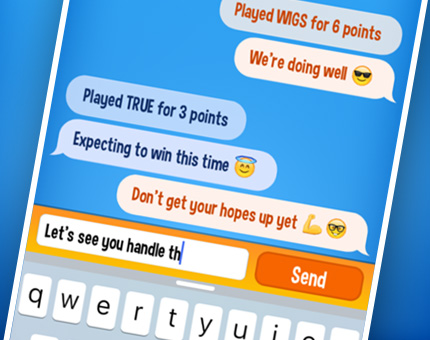
WordOn is a pleasantly addictive word game to take with you wherever you are. Enjoy in small bursts or take your time to find the best possible words.
Everyone can play it: form words on a single row board and use the game's unique twist to your advantage. Will your opponents be able to use your special "WordOn" letters and get a bonus, or did you just strategically win the game..?
Fully translated and playable in English, Dutch, German, French, Italian, Spanish, Portuguese, Danish, Norwegian, Swedish, Turkish and Czech!
Everyone can play it: form words on a single row board and use the game's unique twist to your advantage. Will your opponents be able to use your special "WordOn" letters and get a bonus, or did you just strategically win the game..?
Fully translated and playable in English, Dutch, German, French, Italian, Spanish, Portuguese, Danish, Norwegian, Swedish, Turkish and Czech!
"This game requires creative puzzle solving to get the highest scores. Awesome!"
App Store
"Absolutely love this game. The one downfall to it is I don't want to stop playing once it starts"
Google Play
"Compared to other games, this is awesome, even after a long time"
App Store
"This is the best game ever!"
Google Play
"Very addicting!"
App Store
"New twist on an old game, Just love it!"
Google Play
How to play

Wordalyzer
This handy tool shows your word score, coin rewards and helps you find the best solutions!

WordOns
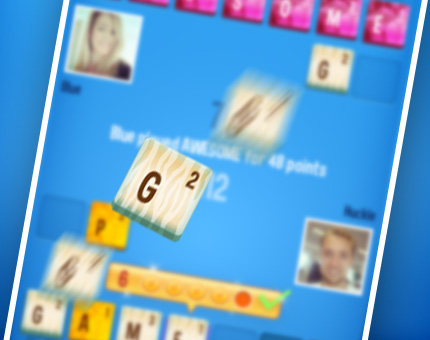
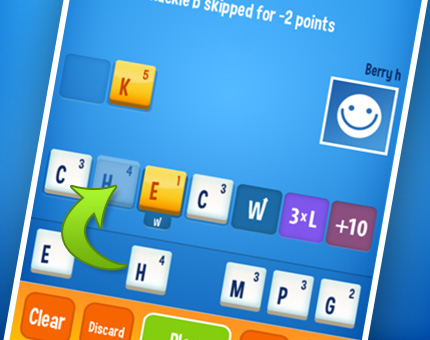
Here's the twist. Letters on "W" spots will fly to your opponents for them to use. Pay attention to what you give away.
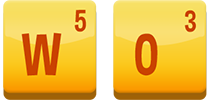
Double Word Score
Just like you give them away, you will receive WordOn tiles yourself. Use them to double your word score or fear a penalty. Ouch.
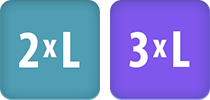
Increase Score
3xL will triple the letter value and +10 will give you 10 additional points.

Hint
Ever had the perfect word on the tip of your tongue? We'll put a letter for the best possible solution on the right spot. The rest is up to you.

Peek
Sometimes you need a little bit of extra intel. A quick look on his or her letters. This might especially come in handy during the final turns.

Profile
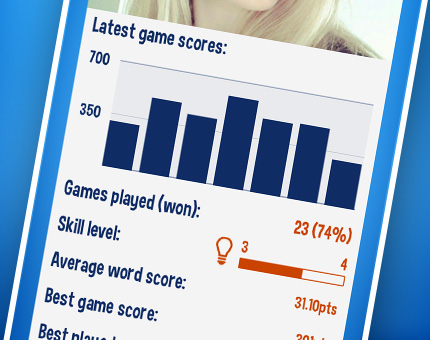
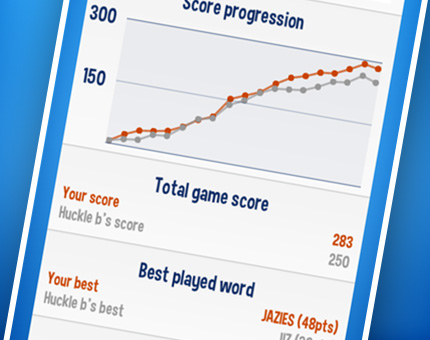
Simply tap an avatar (photo or other image) to see who you're up against. Look at those stats!

Swap (all)
There are times when you just don't know what to do. We've got you covered: discard two letters or your entire set and you should be back on track.
FAQ
How does the scoring system work?
When does a game end?
How do I resign a game?
How do I quickly poke my opponent?
Where can I see player statistics?
How does the random player feature work?
I'm earning coins! So.. now what?
How do I use custom tilesets?
How do I change my player name or avatar?
Why can't I download or play WordOn on my device?
More Questions?
...Or suggestions, problems, business enquiries. Please visit:
https://www.wordonhd.com/feedback
https://www.wordonhd.com/feedback